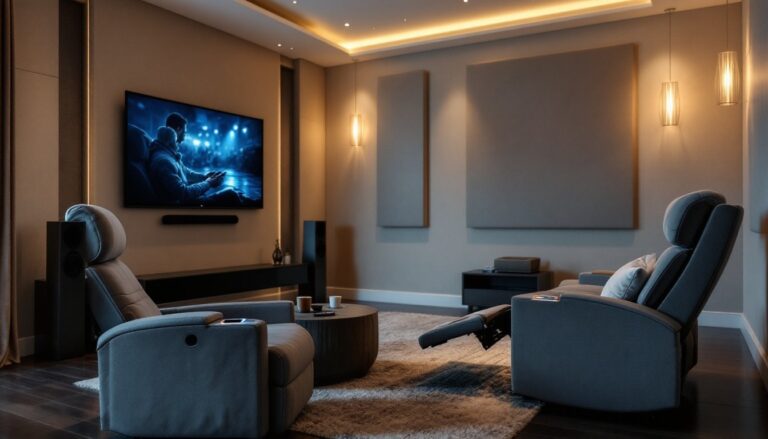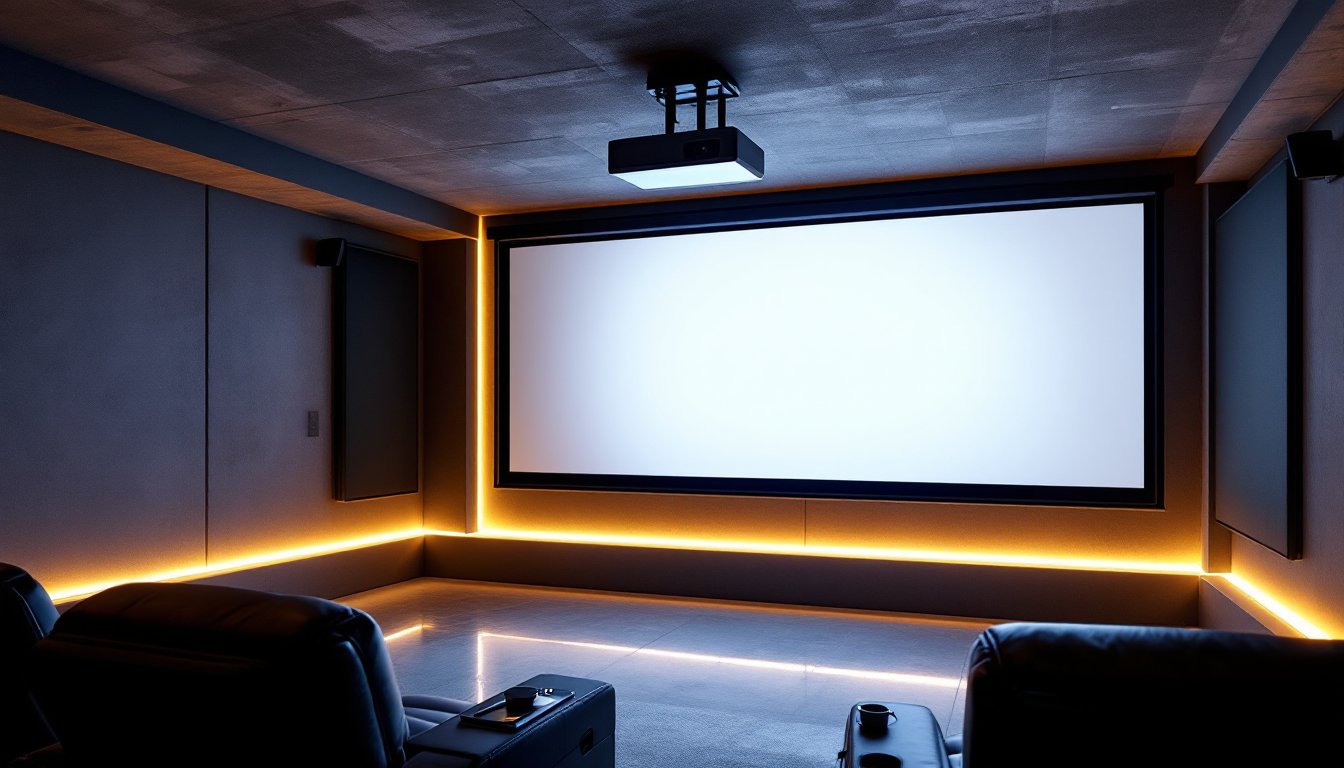
If you’re serious about creating a true cinema experience at home, a 4K laser projector is worth considering. Unlike traditional lamp-based projectors, laser models deliver brighter, more consistent images with deeper blacks and a longer lifespan, often 20,000+ hours compared to 3,000–5,000 for lamps. The technology has matured enough that DIY enthusiasts can install many models themselves, though proper placement and calibration matter just as much as the projector you choose. This guide walks you through what makes a 4K laser projector worth the investment, which features actually matter for your space, and how to set one up properly.
Table of Contents
ToggleKey Takeaways
- The best 4K laser projector for home theater delivers superior brightness and contrast with a 20,000+ hour lifespan, far exceeding traditional lamp projectors that require frequent bulb replacements.
- Choose a projector based on throw distance and room size: short-throw models (0.3–0.5 ratio) work for small rooms, while standard throw (1.5–2.0 ratio) suits larger dedicated theaters.
- Brightness matters most for your environment—2,000–3,500 lumens work in dark rooms, while 3,500+ lumens handle ambient light better.
- Proper installation and calibration are as critical as the projector itself: secure ceiling mounting, quality HDMI 2.1 cables, and basic color mode adjustment ensure optimal image quality.
- Mid-range 4K laser projectors ($4,000–$8,000) offer the best value for DIY enthusiasts with manageable installation and 2,500–3,500 lumens of native 4K performance.
- Regular maintenance including monthly air filter cleaning and proper lens care extends your projector’s lifespan and prevents performance degradation.
Why 4K Laser Projectors Are Worth the Investment
A laser-based projector offers several practical advantages over traditional lamp projectors. First, there’s longevity. Laser light sources produce consistent brightness throughout their lifespan, whereas lamp brightness fades noticeably after 1,000–2,000 hours. You’ll spend less time and money replacing bulbs.
Second, contrast and color accuracy improve significantly. Lasers emit pure, focused light that translates into richer blacks and more vibrant colors without the washout you get from lamps, especially in darker rooms. If you’re watching films or gaming, the difference is immediately noticeable.
Third, laser projectors run cooler and quieter than lamps. No constant fan noise, no heat buildup, just steady performance. Finally, 4K resolution (3,840 × 2,160 pixels) future-proofs your investment as streaming services and content libraries expand. Most feature films and premium TV broadcasts are now mastered in 4K, so you’ll actually use that resolution.
Key Features to Look For When Choosing a 4K Laser Projector
Not all laser projectors suit every room. Here’s what matters most.
Brightness and Contrast Performance
Lumens measure brightness. A 2,000–3,500 lumen projector works well in a dedicated dark theater room: 3,500+ lumens handles some ambient light. Check the ANSI contrast ratio (the ratio of brightest to darkest pixels), which should be at least 10,000:1 for crisp blacks. A higher ratio means better shadow detail without lost detail in bright scenes.
Laser projectors excel here because they hold contrast across the brightness range, unlike lamps that lose pop when you dim the lamp to extend its life.
Throw Distance and Installation Flexibility
Throw distance is the distance from the projector to the screen, and the throw ratio tells you how far back the projector must sit. A short-throw projector (0.3–0.5 throw ratio) sits close to the screen, ideal for small rooms. A standard throw (1.5–2.0 ratio) works for larger dedicated theaters. Long-throw models (2.5+ ratio) suit warehouses or auditoriums.
Measure your room first. If you’re mounting a projector 8 feet from the screen in a small living room, a short-throw model keeps it from dominating the ceiling. In a 15+ foot basement theater, a standard throw ratio is your friend. Most 4K laser models offer motorized zoom and lens shift, letting you fine-tune image size and position without moving the projector, a genuine convenience during setup.
Top 4K Laser Projector Options for Home Theaters
The market has grown. According to reviews of available models, three categories emerge: premium ($8,000–$15,000+), mid-range ($4,000–$8,000), and entry-level 4K laser ($2,500–$4,000).
Premium models like those from BenQ, Epson, and Sony dominate high-end installs. They offer native 4K, exceptional brightness (3,500+ lumens), and motorized lens controls. Setup requires careful calibration, many owners hire a technician. Warranty and support are robust.
Mid-range projectors hit a sweet spot for DIY enthusiasts. They deliver 2,500–3,500 lumens, native or contrast-enhanced 4K, and most ship with simpler lens shift mechanisms. Brands like Optoma and JVC have strong entries here, and installation is manageable with basic AV knowledge.
Entry-level 4K laser models (emerging category) use laser-phosphor or single-chip DLP tech to achieve 4K-like images. They’re cheaper but trade some contrast and brightness for affordability. Check contrast ratios and lumen output carefully, lower specs matter more at this price point.
Compare projectors on sites that rank features systematically, such as Tom’s Guide’s projector reviews. Look at real-world brightness tests in your expected light conditions, actual throw ratios (not just ranges), and user reports on lens drift or color shift over time.
Setting Up Your Home Theater Projector: Practical Tips
Once you’ve chosen a model, installation makes or breaks the experience.
Placement and ceiling mounts. Projectors must be level and secure. Use a quality projector mount rated for your model’s weight (usually 10–40 pounds). Verify the ceiling can support it, check for joists using a stud finder if you’re drilling into drywall. Never mount above seating if you can help it: projection noise and heat rise directly onto viewers. Offset to the side or rear of the room when possible.
Screen choice matters. A white wall works in a pinch, but a proper projection screen improves contrast and reduces hotspotting (bright center). Gray screens (0.7–0.8 gain) boost contrast in light-controlled rooms: white screens (1.0 gain) suit brighter spaces. Measure your throw distance and room width to calculate screen size, most calculators on manufacturer sites do this instantly.
Cable runs. Use shielded HDMI 2.1 cables rated for 4K/60Hz or 4K/120Hz. Run cables in conduit if possible to avoid interference. Keep runs under 35 feet without a booster: longer runs may need active HDMI extenders.
Lens cleaning and filters. Dust clogs air filters fast. Check and clean monthly if the projector runs frequently. Use lens cleaning solution and microfiber cloths, never scrub dry. Some projectors have replaceable air filters: order spares upfront.
Calibration. Modern projectors have preset color modes (Cinema, Bright, Standard). Cinema mode usually starts closest to accurate color. If you’re picky, rent or buy a calibration disc (patterns designed to measure color accuracy) and spend an hour tweaking brightness, contrast, and color balance. Many users skip this and are happy: others swear it’s worth the effort. Smart home technology guides often walk through basic calibration steps for popular models.
Conclusion
A 4K laser projector brings cinema to your home, but it’s an investment in both hardware and installation care. Choose a model that fits your room’s throw distance and lighting, prioritize contrast and brightness for your viewing environment, and don’t skimp on cables, mounts, and dust maintenance. Done right, you’ll enjoy thousands of hours of sharp, bright, reliable projection without the hassle of replacing expensive bulbs.