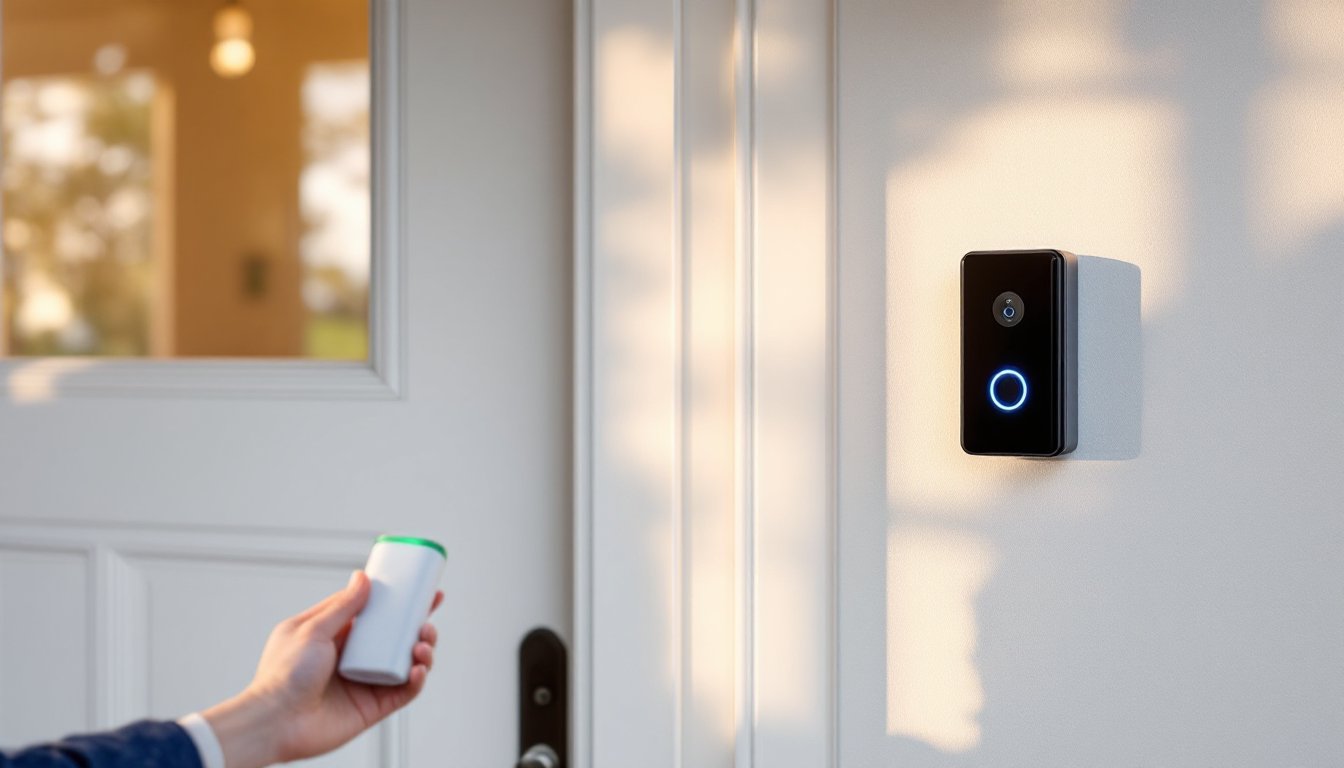
A Ring video doorbell with a battery-powered option lets homeowners monitor their front door without hardwiring it into an existing electrical system. Unlike wired models that draw power directly from your home’s chime circuit, battery-powered Ring doorbells offer flexibility, you can install one on a rented property, move it later, or place it wherever you need coverage without calling an electrician. But like any battery-powered device, these doorbells require maintenance and regular replacement to keep delivering reliable security footage and motion alerts. Understanding how to care for your battery doorbell and knowing what to expect in terms of runtime will save you frustration and keep your home secure year-round.
Table of Contents
ToggleKey Takeaways
- A battery ring doorbell offers flexible, tool-free installation without hardwiring to your home’s electrical system, making it ideal for renters and temporary placements.
- Battery-powered Ring doorbell models typically last 6 to 12 months per charge cycle, with cold weather and high activity reducing runtime by 20 to 30 percent.
- Optimize your battery ring doorbell’s lifespan by adjusting motion sensitivity, maintaining a strong Wi-Fi signal, and limiting live-view streaming sessions.
- Replace your Ring doorbell battery in under two minutes by pressing the release button, sliding out the old battery, inserting a fully charged replacement, and reattaching the device.
- Common battery drain issues—including weak Wi-Fi signals, overly sensitive motion detection, and loose battery connections—are preventable with proper maintenance and troubleshooting.
- Monitor your battery indicator in the Ring app and replace the battery when it reaches 20 to 30 percent charge to ensure continuous security coverage year-round.
What Is a Ring Video Doorbell with Battery?
A Ring video doorbell with battery is a wireless security camera designed to sit at your front entrance, powered by rechargeable lithium-ion batteries rather than hardwired electrical current. The device captures 1080p HD video, detects motion, records audio conversations, and sends alerts to your smartphone whenever someone approaches or rings the doorbell.
The battery-powered model works with Ring’s ecosystem, meaning it syncs with the Ring app, integrates with Alexa voice commands, and stores video clips in the cloud (though you may need a Ring Protect subscription for extended storage and video history). You’ll get two-way talk, night vision with infrared LEDs, and a built-in speaker. Since there’s no wired power connection, you don’t need to hire an electrician or drill into exterior walls during installation.
One trade-off: battery models refresh video less frequently than wired versions, and they may have longer delays between motion detection and video upload, especially on slower Wi-Fi connections. Battery life depends on how often the doorbell activates, the temperature in your climate, and your Wi-Fi signal strength. Most homeowners see runtime between 6 to 12 months per charge cycle.
How Long Do Ring Doorbell Batteries Last?
A fully charged Ring doorbell battery typically lasts anywhere from 6 months to a year under normal household conditions. That means you’re looking at a seasonal battery swap, usually once or twice annually, depending on activity level and season.
But, “normal” is relative. A doorbell in a high-traffic area (delivery central, busy street, lots of package arrivals) will drain faster than one on a quiet residential street. Cold weather is another culprit: lithium-ion batteries lose efficiency in temperatures below 32°F, potentially cutting runtime by 20 to 30 percent during winter months.
Ring provides a battery indicator in the Ring app, showing you the current charge level as a percentage. Most owners start seeing low-battery warnings around 20 percent charge remaining. When the app shows 10 percent or below, a replacement is imminent, usually within a few weeks depending on activity.
Factors That Affect Battery Life
Your doorbell’s battery will drain faster under these conditions:
- Frequent motion detection: Busy driveways, high foot traffic, or even passing cars trigger the camera and drain the battery.
- Two-way talk sessions: Active conversations with visitors draw significant power.
- Live view in the app: Streaming video on demand consumes battery faster than waiting for motion alerts.
- Cold temperatures: Winter and freezing climates reduce battery efficiency by 20 to 30 percent.
- Weak Wi-Fi signal: Poor connectivity forces the doorbell to work harder to transmit video, draining the battery.
- Night vision activity: Infrared LED activation at night consumes extra power during dark hours.
Maintaining a strong Wi-Fi signal near your doorbell and limiting unnecessary live-view sessions helps extend the time between charges.
How to Replace Your Ring Doorbell Battery
Replacing your Ring doorbell battery is straightforward and requires no tools, just a few minutes and your recharged battery pack. The process is nearly identical across Ring’s battery-powered models (Ring Video Doorbell 4, Ring Video Doorbell SE with battery, and earlier versions).
Step-by-Step Replacement Process
-
Remove the doorbell from the wall: Press and hold the release button (usually located on the bottom or side of the faceplate) and gently slide the doorbell away from the mounting bracket. You’ll hear a small click as it releases.
-
Locate the battery compartment: The battery pack sits behind the faceplate, typically held in with a small clip or friction fit. Look for a small tab or lever that allows you to slide the battery out horizontally.
-
Slide out the old battery: Grab the battery pack and pull it straight out. Don’t force it: if it’s stuck, double-check that you’ve released any clips or latches.
-
Install the fresh battery: Align the new, fully charged battery pack with the slot and slide it in until you hear or feel it click into place. Make sure it’s seated firmly, a loose battery won’t make proper electrical contact.
-
Reattach the doorbell to the bracket: Line up the doorbell with the bracket and push it firmly until it clicks back into position. You should feel a solid connection.
-
Check the Ring app: Open the Ring app on your smartphone and verify that the battery percentage shows as 100 percent and the doorbell status shows as “online.” If the app still shows low battery, unplug and reinsert the battery, ensuring it’s fully seated.
The entire swap takes less than two minutes. Keep your old battery for charging overnight so you have a fresh backup for the next cycle.
Best Practices for Battery Maintenance
Extending your battery life is about smart usage habits and environmental awareness. First, monitor your motion detection settings in the Ring app. Most doorbells allow you to adjust motion sensitivity or set motion zones, for example, you can exclude the sidewalk or street from triggering alerts, which reduces unnecessary wake-ups and battery drain. This is especially useful for busy roads where passing cars constantly trigger the camera.
Wi-Fi signal strength matters more than many owners realize. A weak signal forces the doorbell to work harder and consume more power. Position your wireless router closer to your front entrance if possible, or consider a Wi-Fi extender to boost the signal near your doorbell. Product reviews from sources like CNET and Tom’s Guide often evaluate extender performance in home security setups.
Avoid unnecessary live-view streaming. Every time you open the app and watch a live feed, you’re drawing battery power. Save the live view for specific situations, checking on a package or monitoring a guest, rather than checking “just to see” throughout the day.
During winter months, consider a protective weatherproof box or housing for your doorbell if temperatures regularly drop below 32°F. This won’t make the battery warm, but it reduces heat loss and helps maintain slightly better efficiency during cold snaps.
Finally, order or charge your backup battery during the 20-30 percent warning window, not when the doorbell dies completely. This ensures you always have a ready replacement and minimizes gaps in security coverage.
Troubleshooting Common Battery Issues
If your Ring doorbell battery drains faster than expected, start with these checks:
Battery drains in weeks, not months: Confirm your Wi-Fi connection is strong (the app’s device health page shows signal strength in decibels). A weak connection is the most common culprit for rapid drain. Also check if motion detection is set too sensitive, adjust motion sensitivity in the app to reduce false triggers from wind, shadows, or passing traffic.
Doorbell shows “offline” even with a fresh battery: Remove the battery, wait 10 seconds, and reinsert it firmly. If it’s still offline, restart your home Wi-Fi and check that your 2.4 GHz band is enabled (Ring doorbells don’t work on 5 GHz Wi-Fi alone). If the problem persists, contact Ring support, the device may have a hardware fault.
Battery won’t hold a charge: New batteries sometimes need an activation cycle. Charge it fully, install it in the doorbell, and wait 24 hours before expecting consistent performance. If an older battery has never held a proper charge even after multiple charge cycles, it may have reached end-of-life and needs replacement.
App shows 100 percent but doorbell stops working: This occasionally happens after a battery swap if the connector isn’t fully seated. Remove and reinstall the battery, pressing firmly until you hear a solid click.
Many of these issues are preventable with a strong Wi-Fi signal and sensible motion settings. Digital Trends offers in-depth guides on optimizing smart home connectivity if you need additional help troubleshooting your network setup.